












Lugg logo
Use the Lugg logo when you name Lugg as your delivery or moving option. Choose the version that stands out on your background, and keep its original proportions.
Download logosDownload logos, badges, app icons, and booking buttons to promote moving and delivery by Lugg on your website, in emails, and in your store. Request free printed materials, co-branded with your logo, and we’ll ship them to you.
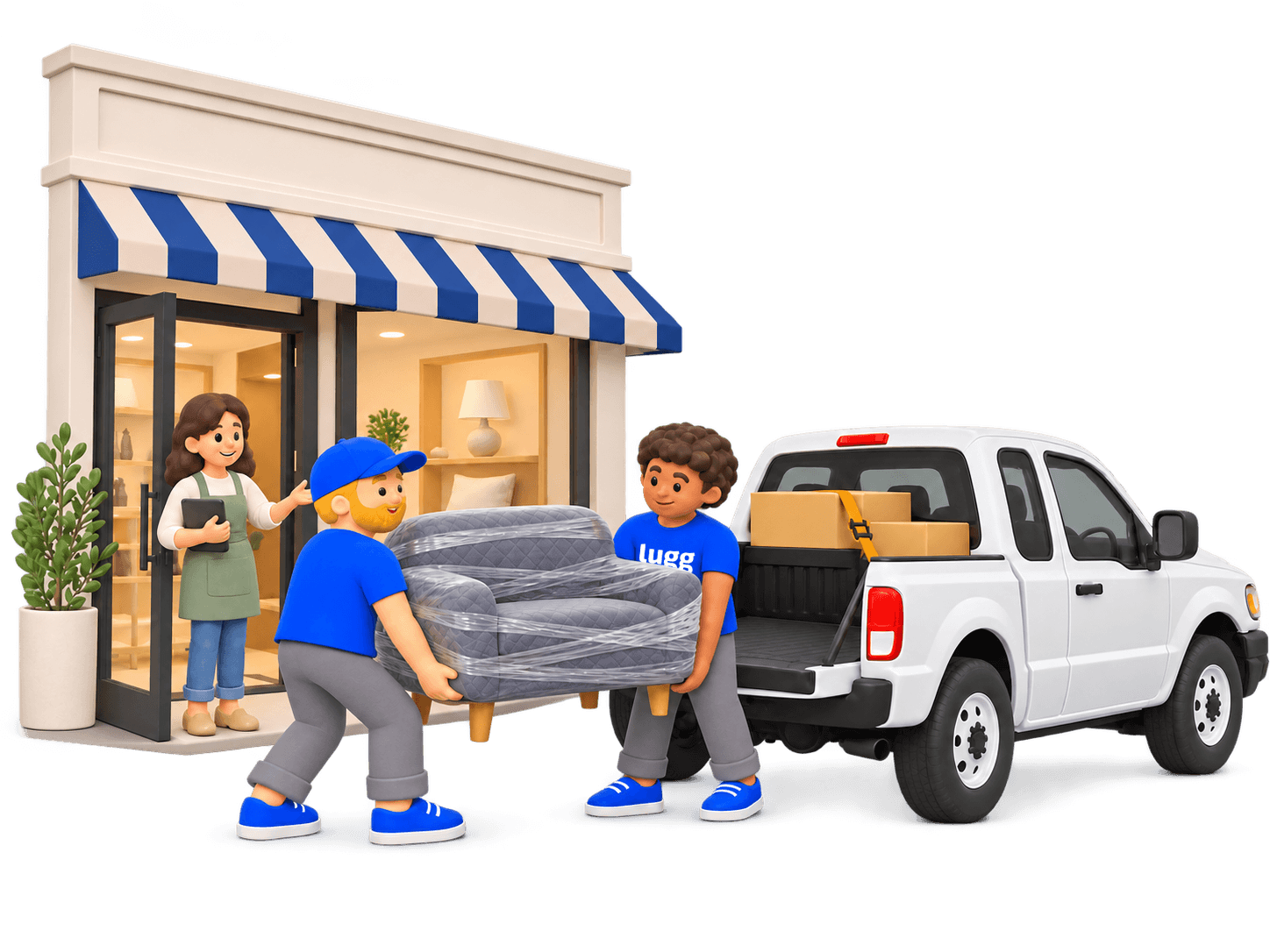
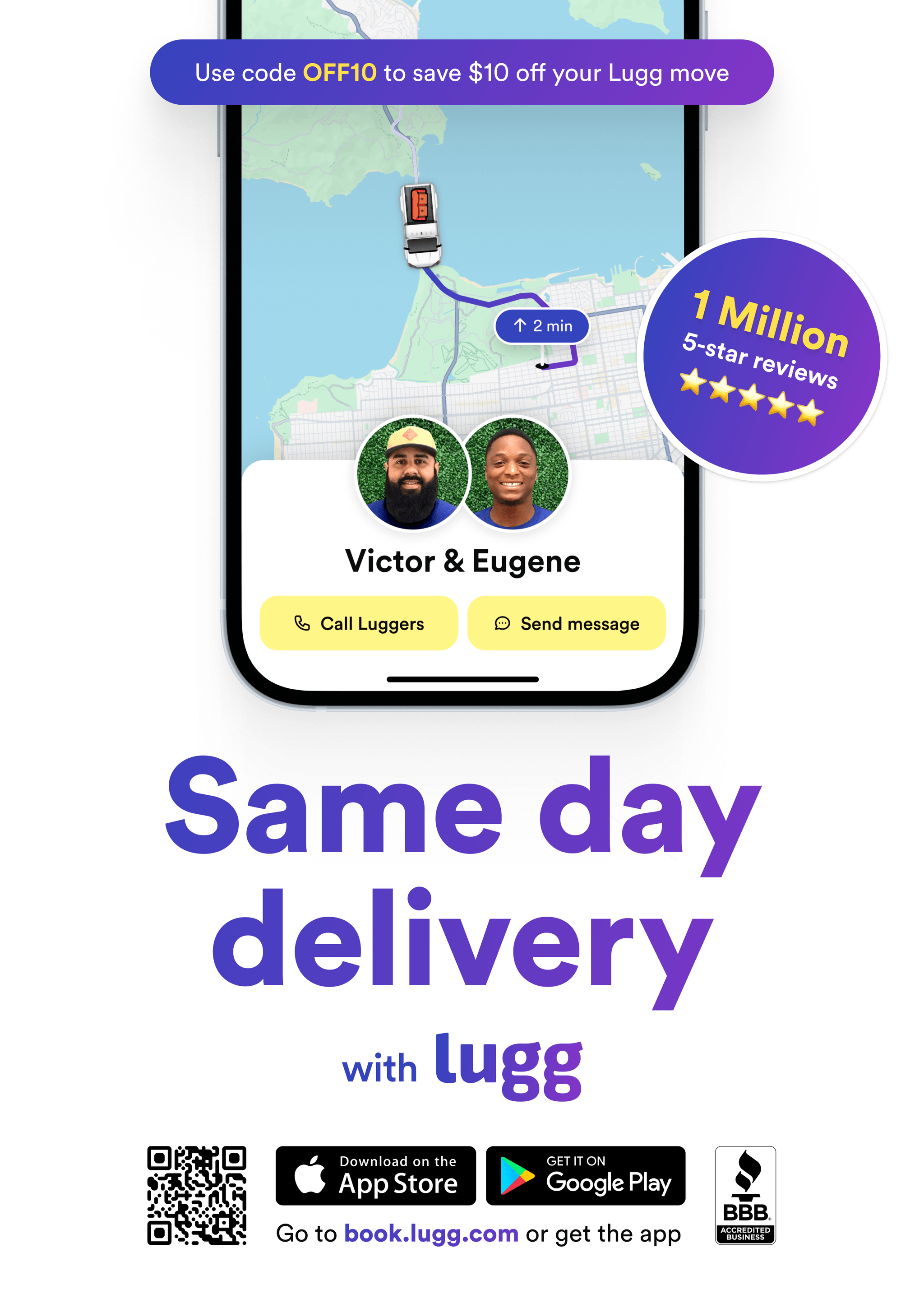
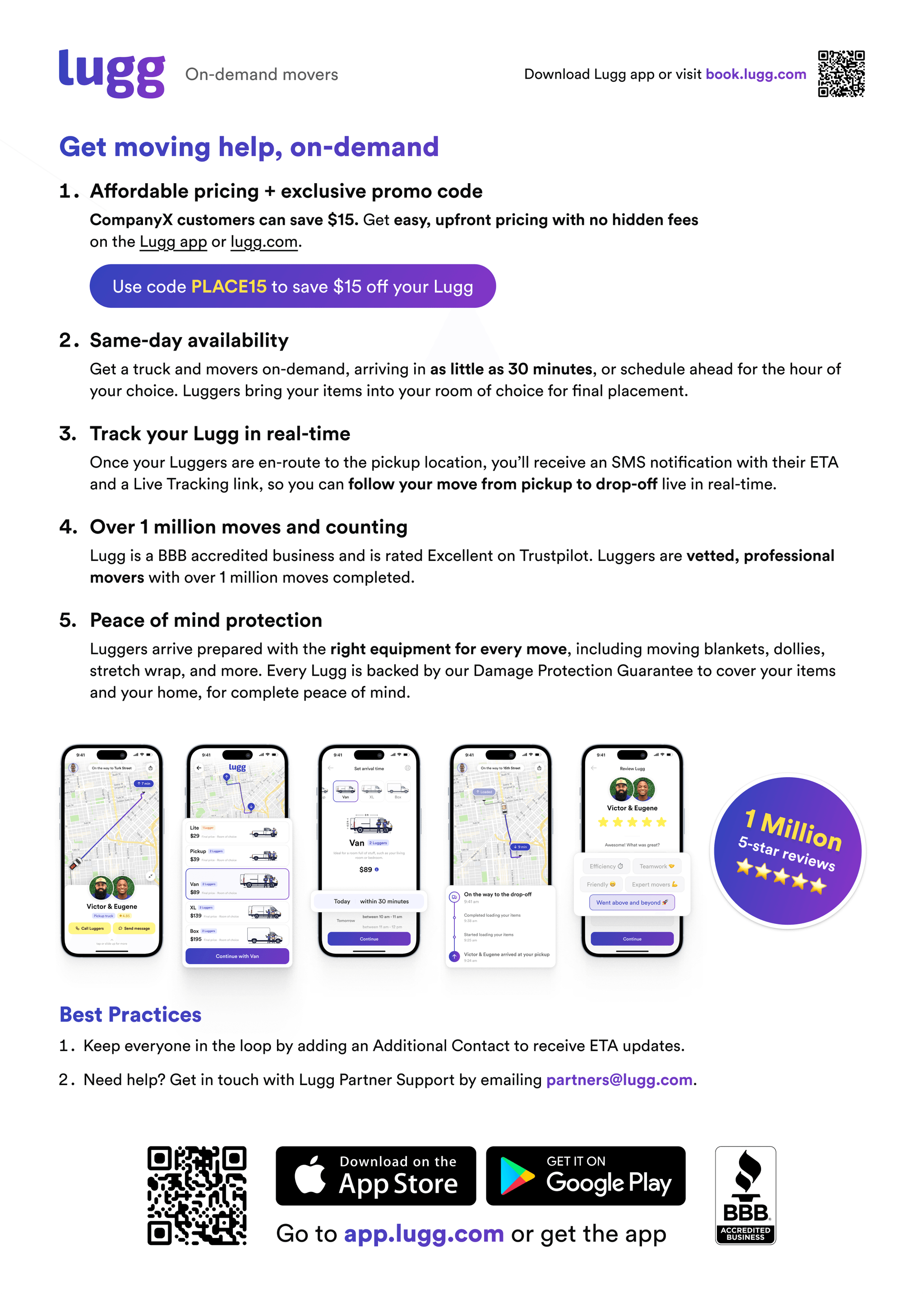
Let customers know Lugg can deliver their purchase or move their things before they reach the register or the front desk. Lugg prints your table tents, flyers, stickers, and signs for free, co-brands them with your logo, and ships them straight to you.
Request a unique Lugg booking link and share it wherever customers ask how to get something home. Add it to your website, emails, and social profiles, and use a QR code in store.
Use these logos, badges, and colors to show customers that delivery or moving help is available through Lugg. Keep your own brand prominent, and use the supplied Lugg artwork without changing its proportions or colors.
Use the Lugg logo when you name Lugg as your delivery or moving option. Choose the version that stands out on your background, and keep its original proportions.
Download logos
A badge tells customers who’s bringing their order home or helping them move. Add it to product pages, checkout, and in-store signs, and link it online to your Lugg booking link.
Download badgesUse the Lugg palette when you create materials. Keep text and logos easy to read, and use the supplied logo files rather than recoloring them.
Download color paletteUse this icon when you point customers to the Lugg app on your website or in emails. Keep the artwork intact and leave space around it.
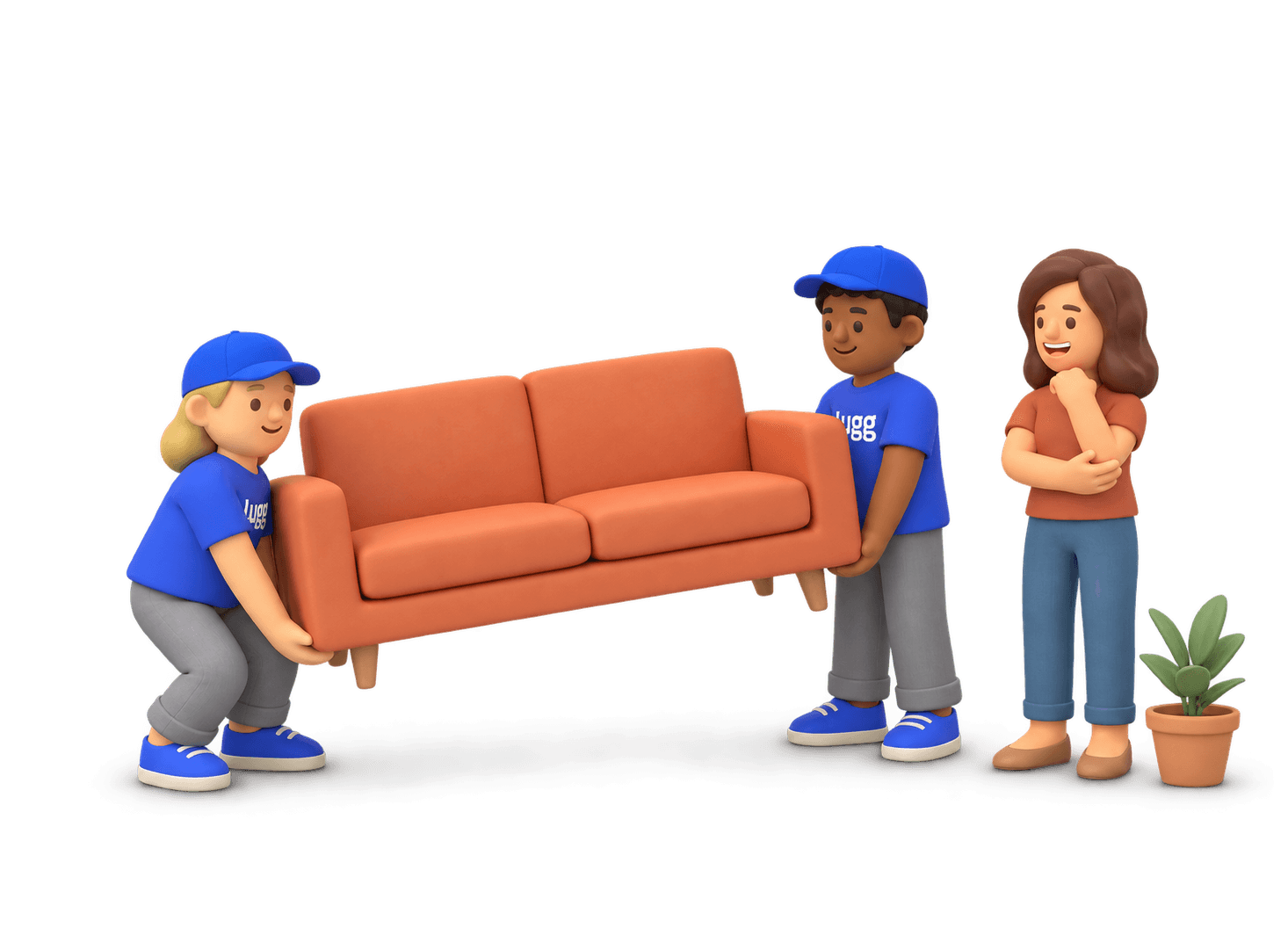
Download app iconsLugg illustrations for your website, emails, and in-store materials are coming soon. Until then, use the logos, badges, and buttons on this page to promote delivery or moving with Lugg.
Choose the logo that’s easiest to see on your background. Use the gradient or blue logo on light backgrounds, and the white or yellow logo on dark or colored backgrounds. Keep the original colors.
Leave clear space around the Lugg logo and app icon so they stay separate from text, images, and other logos, including yours. Use the examples below as a guide, and keep them away from the edges of the page.
Pair your logo with Lugg’s. Keep both logos readable and balanced, with clear space between them. Use “Delivery by Lugg” or “Moving by Lugg” to describe the relationship.
Request co-branded materialsUse the logo exactly as supplied.
Do not stretch
Do not rotate
Do not crowd
Do not recolor
Do not add effects
Avoid low contrast
Add a clear way to book delivery or movers on product pages, checkout pages, and delivery information pages. Choose a button style that stands out on your background, and link it to your Lugg booking link.
Use these guidelines when describing Lugg to your customers.
Services